PlanToValue
One workspace. Clear decisions. Verified results.
Bring employees, teams and external partners together — from the first request and estimate to an approved plan, controlled changes and tested delivery.
Free workspace · No credit card · Invite your team
1 place
For every request
Free
No credit card needed
5 roles
Each sees only their part
Traceable
From decision to delivery
Good ideas get lost between asking and doing
Small organisations rarely lack ideas. They lack a calm, shared way to decide what comes first.
Requests everywhere
Email, chat and corridor talk. Nobody knows what was asked, approved or forgotten.
Unclear decisions
Who may say yes, and up to what cost? Work starts before anyone has decided.
Plans without capacity
Priorities look great on paper until the team and partners are already full.
How it works
From request to result in three steps
01
Collect
Requests land in one inbox with a receipt and a clear next step.
02
Decide
Estimate, compare and approve within a mandate everyone understands.
03
Deliver
Plan against capacity, test with partners and verify the result.
More than a board: control the whole journey
Know what was requested, what was approved, what can fit and what was actually delivered.
A clear answer to every request
Collect needs, ask follow-up questions and show the requester the status. Received does not mean approved.
See what needs to happen next
An inbox and shared board bring together owners, next steps, blocked work and initiatives. Archive and reopen without losing history.
From partner estimate to agreed order
Share a brief, receive estimates for time and cost, and approve the order before work starts. Partners see only their shared assignments.
Decisions with clear authority
Compare needs, estimates and risks. Approval follows your named decision makers or team cost mandate — never an automatic yes.
A plan you can stand behind
Prepare priorities for the next period, quarter or year. Finalise a version while keeping earlier plans and decisions traceable.
Budget and workload together
Set budgets, capacity, buffers and work-in-progress limits per team or partner. Compare them with estimates; missing figures stay unknown.
No silent scope changes
Lock approved requirements and acceptance criteria. Proposed changes show their impact on cost and dates before a new version is approved.
Make urgent work a conscious choice
Flag urgent work and record its consequences. Surface blocked work and delivery deviations so priorities can be reconsidered.
Done means verified
Run test rounds against acceptance criteria, return work for corrections and record deployment or delivery verification before marking it delivered.
The right information for each role
Separate workspaces, role-based access and logged changes. Requesters, partners and leadership see the information intended for them.
One shared process. A focused view for each role.
Employees
Submit needs, answer questions and follow the status of your own requests.
Teams
Assess requests, own the next step and coordinate priorities, partners and tests.
Decision makers
Review decision summaries, approve within your authority and follow the current plan.
Partners
Estimate shared assignments, carry out approved work and send it for testing.
Organisation admins
Invite people and configure roles, decision authority, budgets and capacity.
Connected help and knowledge
Support without leaving your workspace
Ask PlanToValue support a question and follow replies in the app through ResolveFlow, with an unread-reply indicator.
Your AI assistant, with limited access
The MCP connection lets a connected assistant read your workspaces and your own submitted requests after you authorise it. It cannot change or approve anything.
English or Swedish
Choose your language across the site and app. Read practical Insights articles with automatic Swedish translations.
Insights
Latest from the blog

Prioritisation
Mastering Capacity Planning with External Agencies
Discover strategies for successful capacity planning with external agencies to enhance project delivery and collaboration.
20 November 2026 · 10 min read
Prioritisation
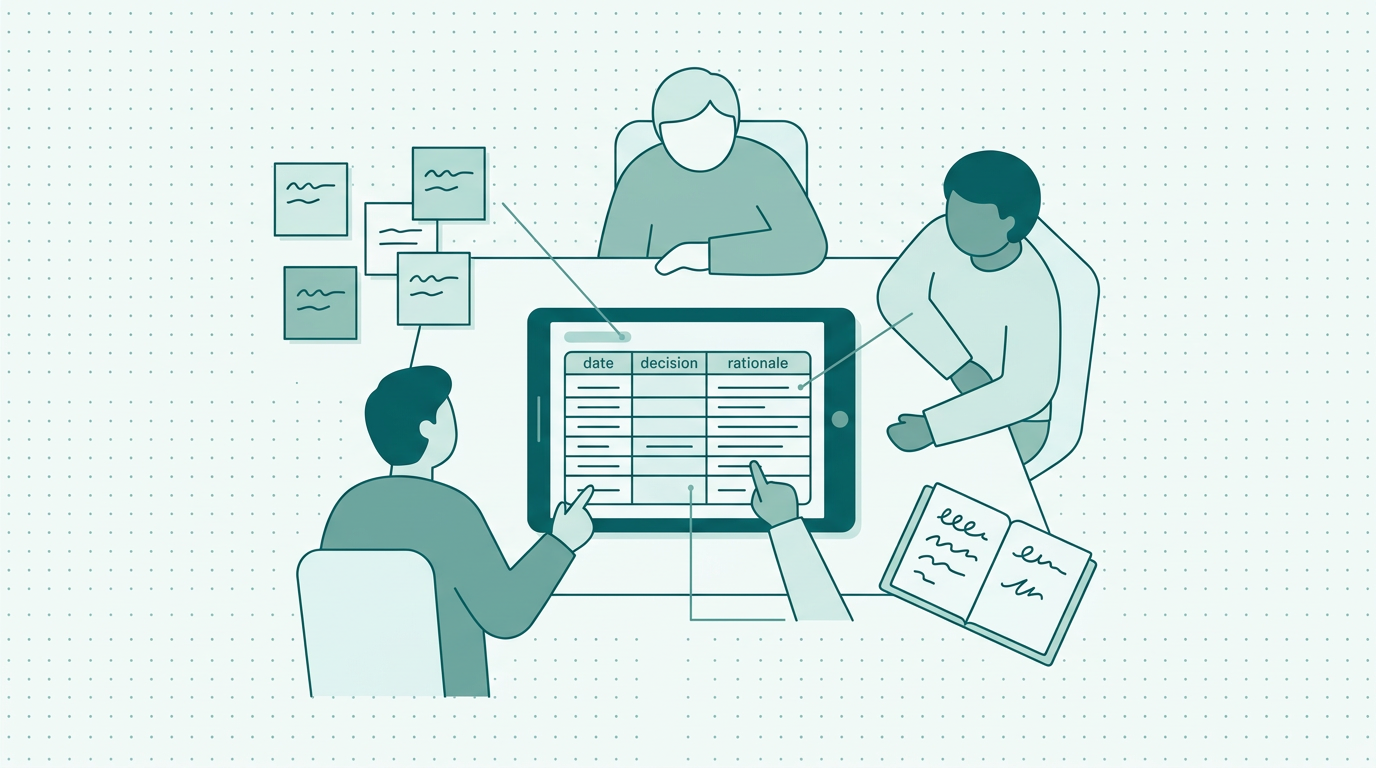
Effective Decision Log Template for Small Teams
Utilize our decision log template for small teams to enhance clarity, ensure accountability, and streamline your decision-making process effectively.
19 November 2026 · 10 min read
Prioritisation
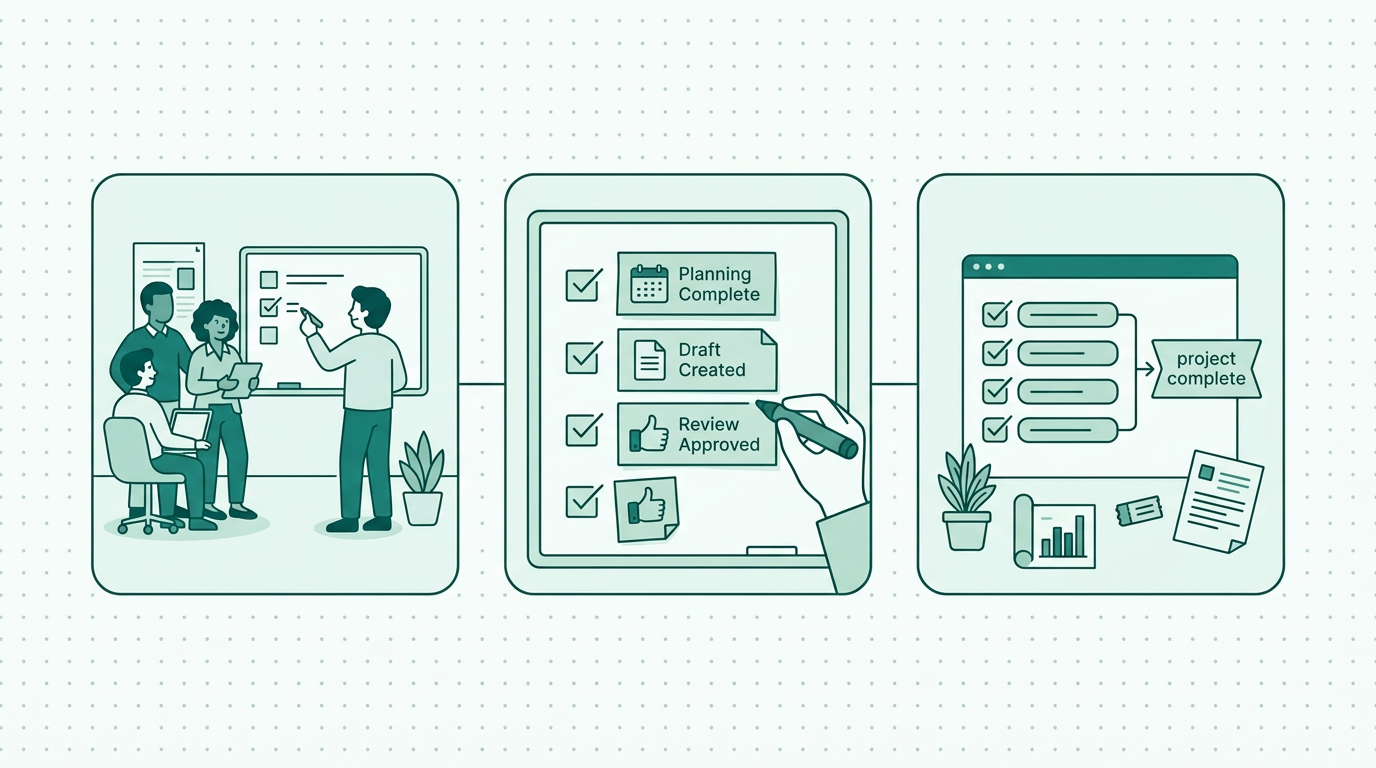
Understanding Definition of Done for Non-Software Teams
Explore clear examples of 'Definition of Done' tailored for non-software teams to enhance project clarity and accountability.
18 November 2026 · 10 min read
Get your own workspace today
Create a free account, confirm your email and make the workspace yours. Invite your team when you are ready.
Create free account