Prioritisation
Understanding WIP Limits for Small Non-Software Teams
12 October 2026 · 9 min read
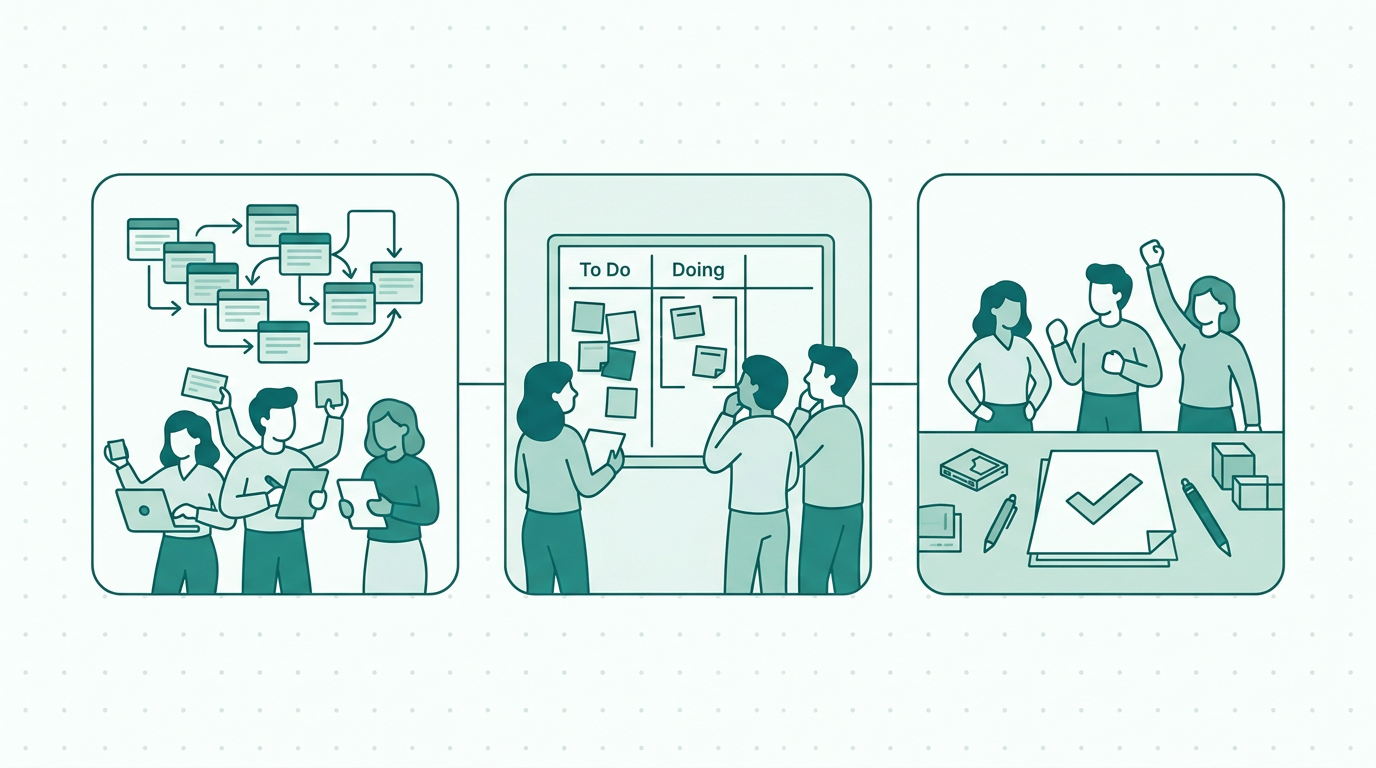
Discover how WIP limits can enhance productivity for small non-software teams. Learn practical strategies and tools to implement them effectively.
How WIP limits can transform your non-software team
In today’s fast-paced work environment, many small non-software teams face challenges related to task management and productivity, particularly when it comes to establishing wip limits for small non-software teams. These teams often juggle multiple projects and requests, which can lead to inefficiencies and overwhelm. One effective strategy for mitigating these issues is the implementation of Work In Progress (WIP) limits.
WIP limits focus on the number of tasks that can be actively worked on at any given time, helping teams prioritize, reduce multitasking, and increase overall productivity. By adopting WIP limits, small non-software teams can streamline their workflows and enhance collaboration, making it easier to manage incoming requests and initiatives effectively. In this article, we will explore the concept of WIP limits, their benefits, and how tools like PlanToValue can assist in implementing these limits for better team performance.
Ultimately, WIP limits can help teams to focus on quality over quantity, ensuring that every project receives the attention it deserves.
What Are WIP Limits and Why Do They Matter?
WIP limits are a core principle from Lean and Agile methodologies that specify the maximum number of tasks that can be in progress at one time for a specific team or process. The importance of WIP limits lies in their ability to foster focus and efficiency. When teams set clear WIP limits, they can direct their efforts toward completing existing tasks before taking on new ones.
This approach minimizes the risk of bottlenecks, where tasks pile up and slow down the workflow. For small non-software teams, where resources and time may be limited, implementing WIP limits can be particularly beneficial. Teams can enhance their delivery speed and quality by reducing the number of concurrent tasks and ensuring that team members are not spread too thinly across multiple projects.
Moreover, WIP limits help in identifying issues early in the workflow, as they create a clear structure around task management, enabling teams to adapt and respond to challenges promptly. By visualizing work in progress, team members can communicate more effectively and make better decisions about resource allocation.
Benefits of Implementing WIP Limits
The implementation of WIP limits presents various advantages for small non-software teams. Firstly, it improves focus. By limiting the number of tasks being worked on simultaneously, team members can concentrate on completing individual tasks, resulting in higher quality outputs.
This focus not only enhances the end product but also boosts morale as team members feel accomplished when they complete tasks. Secondly, it enhances workflow visibility. Teams can quickly identify which tasks are in progress and which are pending, allowing for better prioritization and decision-making.
This visibility encourages accountability among team members, as everyone is aware of their responsibilities and deadlines. Thirdly, WIP limits facilitate better collaboration among team members. When everyone understands the limits, they can coordinate their efforts, leading to a more harmonious working environment.
This structured approach also fosters a culture of communication, where team members feel comfortable discussing their workloads. Lastly, implementing WIP limits can lead to faster delivery times. By focusing on fewer tasks, teams can complete them more rapidly and efficiently, ensuring that they meet deadlines and satisfy stakeholder expectations.
In essence, the introduction of WIP limits can transform a team's dynamics, leading to a more efficient, cohesive, and motivated workforce.
Key Strategies for Setting WIP Limits
Setting effective WIP limits requires careful consideration and planning. Here are several strategies small non-software teams can adopt: First, assess your team's capacity. Understand how many tasks each team member can realistically handle at once.
This assessment may involve analyzing past performance and seeking input from team members about their workloads. Second, categorize tasks by complexity and time requirements. Some tasks may require more focus and time, so it is essential to account for their nature when setting limits.
This categorization can help teams establish different limits for various types of tasks, ensuring that the most critical projects receive the attention they need. Third, involve your team in the decision-making process. Collaboration in establishing WIP limits ensures everyone is on board and understands the need for these limits.
Engaging team members can also lead to a more accurate assessment of capacity and task complexity. Fourth, regularly review and adjust limits as needed. As your team grows or project demands change, it is crucial to revisit the limits to ensure they remain effective.
Regular check-ins can provide insights into the limits’ performance and offer opportunities for improvement. Lastly, use tools like PlanToValue to track and visualize progress. Such tools can provide insights into team performance and help ensure that WIP limits are respected.
Utilizing technology can streamline the process of monitoring progress, making it easier to spot trends and areas for improvement.
Practical Examples of WIP Limits in Action
Consider a small marketing team tasked with managing multiple campaigns. By implementing WIP limits, the team might decide that no more than three campaigns can be in progress at any one time. This allows team members to focus their efforts on completing these campaigns effectively, ensuring that each campaign receives the attention it deserves.
As one campaign wraps up, the team can then start work on the next one. This approach not only increases the quality of their output but also ensures that the team meets deadlines consistently and avoids the pitfalls of rushing through tasks. Another example can be seen in a small event planning team.
By setting a WIP limit of two events being planned simultaneously, team members can allocate adequate resources and attention to each event, ensuring that all details are managed meticulously. This allows for a more thorough planning process and reduces the likelihood of oversights. These examples illustrate how WIP limits can lead to improved outcomes and greater satisfaction for both team members and clients.
Furthermore, they emphasize the importance of tailored limits based on the unique needs and capacities of each team.
Using PlanToValue to Implement WIP Limits
PlanToValue is a valuable tool for small non-software teams looking to implement WIP limits effectively. With its user-friendly interface, teams can easily track tasks and visualize their workload. By utilizing PlanToValue, teams can set specific WIP limits, monitor their adherence, and make data-driven decisions about resource allocation.
The platform also offers insights into task completion rates and team performance, which can inform adjustments to WIP limits when necessary. By integrating PlanToValue into their workflow, teams can streamline their processes and enhance productivity, making it easier to handle incoming requests and initiatives efficiently. Additionally, PlanToValue allows for customizable dashboards, enabling teams to focus on the metrics that matter most to them.
This tailored approach ensures that team members can quickly assess their workload and priorities, leading to informed decision-making.
Measuring Success: How to Know WIP Limits Work
To determine whether the implementation of WIP limits is successful, small non-software teams should establish key performance indicators (KPIs) to measure progress. Metrics such as task completion rate, average time taken per task, and team member workload can provide valuable insights into the effectiveness of WIP limits. Additionally, monitoring the rate of task rework or changes can help assess the quality of outputs under the new limits.
If the team notices an increase in task completion rates and a decrease in the time spent on tasks, it is an indicator that the limits are positively impacting productivity. Furthermore, team satisfaction surveys can gauge how team members feel about their workload and focus, providing qualitative data to complement quantitative metrics. Regularly reviewing these metrics will help teams identify areas for improvement and ensure that WIP limits continue to serve their intended purpose.
Engaging team members in discussions about these KPIs can also foster a culture of transparency and continuous improvement.
Next Steps for Your Team
As you consider implementing WIP limits in your small non-software team, take the time to assess your current workflows and identify potential areas of improvement. Engage your team members in discussions about workload management and gather their input on what WIP limits would work best for them. By fostering a collaborative environment, you can set limits that everyone is comfortable with and committed to adhering to.
Furthermore, educate your team on the rationale behind WIP limits, emphasizing the benefits they bring to both individual productivity and overall team performance. Additionally, explore tools like PlanToValue, which can facilitate the implementation of WIP limits and help your team visualize progress effectively. With these steps, your team can enhance productivity and achieve greater outcomes while managing incoming requests efficiently.
Finally, consider setting up regular check-in meetings to discuss the effectiveness of the WIP limits and make adjustments as necessary, ensuring that the team remains agile and responsive to changing demands.
- Assess team capacity
- Categorize tasks by complexity
- Involve team members in decision-making
- Regularly review WIP limits
- Use visualization tools like PlanToValue
- Engage in continuous improvement discussions
- Monitor quality of outputs and rework rates
FAQ
FAQs About WIP Limits for Non-Software Teams
What are WIP limits?
WIP limits are restrictions on the number of tasks a team can work on simultaneously. They help improve focus and efficiency by ensuring that team members are not overwhelmed with too many concurrent tasks. By establishing clear limits, teams can prioritize their efforts, reduce multitasking, and enhance the overall quality of their work.
How do I determine the right WIP limit for my team?
To set the right WIP limit, assess your team's capacity by understanding how many tasks each member can realistically handle. Consider the complexity and time requirements of tasks, and involve team members in the decision-making process to ensure buy-in. Regularly review and adjust limits based on performance and feedback, allowing for flexibility as project demands evolve.
Can WIP limits be applied to any type of team?
Yes, WIP limits can be beneficial for any team, not just software teams. They enhance focus and efficiency in various settings, including marketing, event planning, administrative teams, and more. By creating a structured approach to task management, teams across different industries can improve productivity and deliver higher quality results.
How can PlanToValue assist with WIP limits?
PlanToValue provides tools for tracking tasks, visualizing workloads, and monitoring adherence to WIP limits. The platform allows for customizable dashboards, enabling teams to focus on the metrics that matter most to them. This helps teams make informed decisions, streamline their processes, and enhance overall productivity while ensuring that WIP limits are respected and effective.