Delivery
Spreadsheet vs Project Management Tool: Which is Best for Small Teams?
3 November 2026 · 6 min read
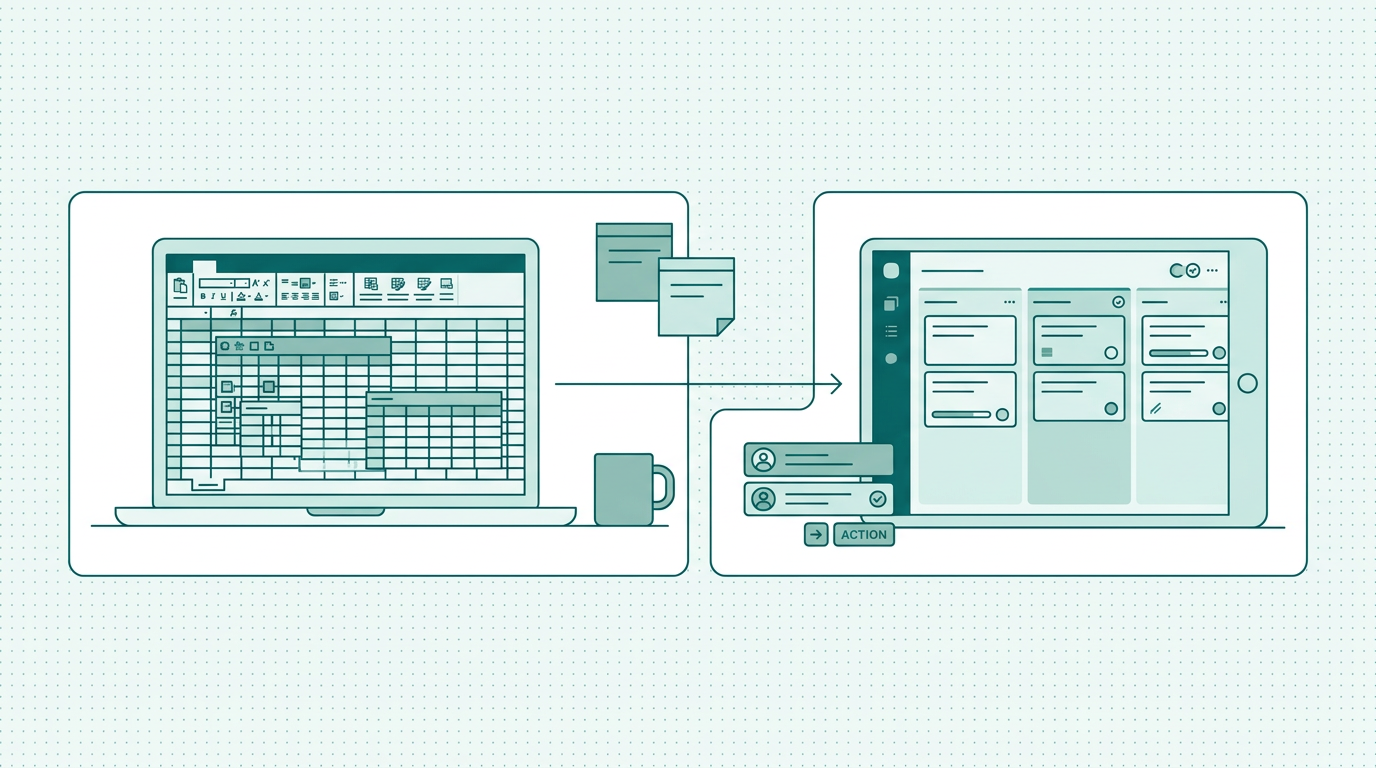
Explore the differences between spreadsheets and project management tools for small teams. Discover which option enhances productivity and efficiency.
Choosing the Right Tool for Small Teams: Spreadsheets vs Project Management Tools
The Pros and Cons of Using Spreadsheets in Project Management
Spreadsheets are often the go-to solution for small teams due to their versatility and low cost. They allow users to organize data in a grid format, making it easy to manipulate and analyze information. For instance, project timelines and budgets can be tracked without the need for specialized training, enabling quick setup and entry.
Moreover, spreadsheets are universally accessible, can be shared easily via email or cloud services, and do not require ongoing subscription fees. However, the cons are significant. As projects become more complex, spreadsheets can lead to confusion with multiple versions being circulated among team members, which can create miscommunication and errors.
The lack of real-time collaboration can hinder progress, as updates made by one team member may not be visible to others until the document is re-shared. Data integrity issues often arise, leading to miscommunication and potentially impacting project outcomes. For example, if one team member updates a budget tracker, that change may not be seen by others until a new version is circulated, possibly leading to overspending or missed deadlines.
While spreadsheets work well for simple tasks, they can hinder productivity when managing larger projects that require comprehensive tracking and collaboration.
Advantages of Utilizing Project Management Tools
When to Stick with Spreadsheets
While project management tools provide numerous benefits, there are scenarios where spreadsheets may still be appropriate. For example, if a team is working on short-term projects with minimal complexity, using a spreadsheet can be a cost-effective solution. In cases where the project scope is small and the team is already familiar with spreadsheet tools, maintaining existing workflows can help avoid unnecessary learning curves.
For instance, a small marketing team creating a simple campaign schedule might find it easier to use a spreadsheet than to learn a new tool. Additionally, certain teams may be more comfortable with spreadsheets due to their previous experiences, leading to increased efficiency in the short term. In these cases, it is essential to set clear guidelines and maintain organization within the spreadsheet to ensure that all team members are on the same page.
Implementing naming conventions for files and using a single master version of the spreadsheet can help mitigate some common pitfalls. However, relying solely on spreadsheets for more complex projects can lead to inefficiencies and increased risks, such as losing track of important updates or miscommunicating project goals.
Integrating Project Management Tools into Your Workflow
Key Considerations for Choosing Between Spreadsheets and Project Management Tools
Making the Switch: Steps to Transition from Spreadsheets to Project Management Tools
Transitioning from spreadsheets to a project management tool requires careful planning. Begin by mapping out your current workflows and identifying the limitations of your existing tools. This will highlight areas where a project management tool can add value.
After thorough research, select a project management tool that aligns with your team's needs and budget, keeping in mind the features that are most important to your workflow. Once you've chosen a tool, conduct training sessions to familiarize your team with its features and functionalities. Encourage feedback during the initial phase of implementation, as this will help address any concerns and optimize usage.
It's also beneficial to designate a “champion” within the team who can assist others and serve as a point of contact for questions. Over time, as your team becomes more comfortable with the new tool, you will likely notice improvements in efficiency, communication, and overall project management. For example, teams that previously struggled with tracking progress in spreadsheets may find that a project management tool helps them visualize their workflows and identify bottlenecks more effectively.
Final Thoughts: The Path to Enhanced Project Management
Additional Benefits of Project Management Tools
Beyond the immediate advantages of task management and collaboration, project management tools offer long-term benefits that can significantly enhance a team's overall performance. For one, many tools provide analytics and reporting features that allow teams to measure performance over time. This data can help identify bottlenecks in workflows and areas for improvement.
Furthermore, project management tools often come with integrations for other software applications, such as communication platforms and file storage services, which can create a more seamless workflow. Teams can benefit from reduced time spent switching between different applications, ultimately leading to higher efficiency. Moreover, some project management tools offer mobile applications, enabling team members to update tasks, communicate, and access important documents on the go.
This flexibility can be particularly beneficial for teams that work remotely or have members who travel frequently. For instance, teams using mobile project management tools can quickly assign tasks and communicate updates during meetings or while on-site with clients.
FAQs: Addressing Common Concerns
FAQ
Frequently asked questions
What are the main differences between spreadsheets and project management tools?
Spreadsheets are versatile and easy to use but can become unwieldy with complex data, as they lack features for collaboration and tracking. On the other hand, project management tools offer structured environments with features like task tracking, real-time updates, and collaborative capabilities, making them better suited for managing complex projects. Project management tools also provide better data integrity and ensure that all team members are on the same page.
Can small teams effectively use project management tools?
Absolutely. Project management tools are designed to cater to teams of all sizes. They offer features that can improve collaboration, task management, and overall efficiency, making them ideal for small teams.
Even teams with limited resources can find tools that fit their budget and needs, allowing them to scale as their projects grow. Many tools also offer tiered pricing structures that can accommodate varying team sizes.
How do I know when to switch from spreadsheets to a project management tool?
If you find that your team struggles with communication, tracking progress, or managing multiple projects simultaneously, it may be time to consider a project management tool. These tools can help streamline workflows, improve accountability, and enhance productivity. Signs that you might need to switch include frequent version control issues, delays in project updates, or the need for better task prioritization. If these challenges are hindering your team's effectiveness, a transition may be necessary.
What features should I look for in a project management tool?
When evaluating project management tools, look for features like task prioritization, real-time collaboration, customizable dashboards, reporting capabilities, and integration options with other software tools. Additionally, consider mobile accessibility and user-friendliness, as these can significantly impact user adoption and satisfaction. Tools like PlanToValue excel in these areas, helping teams manage projects effectively while adapting to their specific needs.