Delivery
Spreadsheet vs Project Management Tool for Small Teams
4 November 2026 · 11 min read
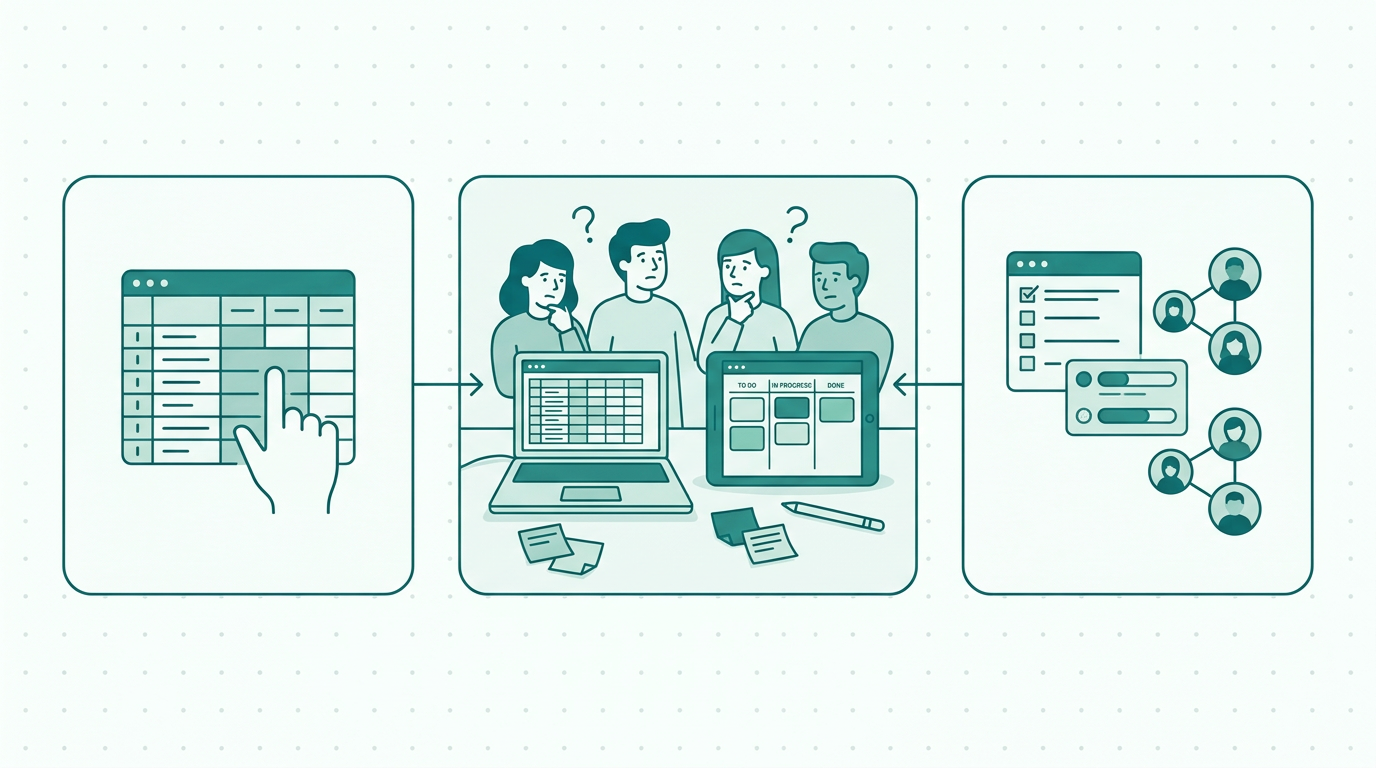
Explore the differences between spreadsheets and project management tools for small teams. Learn how to choose the best solution for your needs.
Understanding the project management landscape for small teams
As small teams strive to manage projects efficiently, the choice between a spreadsheet vs project management tool for small teams becomes critical. This decision significantly impacts how teams collaborate, track progress, and meet deadlines. Spreadsheets, a long-standing tool in many organizations, offer simplicity and familiarity, while project management tools provide structured features tailored for dynamic project environments.
Understanding the strengths and weaknesses of both options is essential for optimizing team performance and ensuring project success. In this article, we will explore the differences between spreadsheets and project management tools, with a focus on how these solutions address common challenges faced by small teams. By dissecting various aspects of both tools, including their unique functionalities and limitations, we aim to equip teams with the knowledge necessary to make an informed decision that best fits their project management needs.
The Strengths of Spreadsheets in Project Management
Spreadsheets have been a staple in project management for many years due to their flexibility and ease of use. They allow users to create customized templates for tracking tasks, timelines, and budgets. A significant advantage of using spreadsheets is their accessibility; most team members are familiar with tools like Microsoft Excel or Google Sheets, which reduces the learning curve.
This familiarity can be particularly beneficial for small teams where everyone may not have extensive training in specialized project management software. Additionally, spreadsheets offer robust data manipulation and analysis capabilities, enabling teams to perform calculations and generate reports quickly. For example, teams can set up formulas to track project expenses against budgets, making it easy to identify overruns.
Furthermore, the ability to visualize data through graphs and charts enhances comprehension and aids in presentations. However, as projects grow in complexity and the number of collaborators increases, the limitations of spreadsheets become apparent. They can lead to miscommunication, version control issues, and a lack of visibility into project status.
The risk of overwriting information or losing data due to manual entry errors can pose significant challenges, particularly in time-sensitive projects.
The Advantages of Project Management Tools
Project management tools, on the other hand, are designed specifically to address the needs of teams managing projects. These tools often include features such as task assignment, progress tracking, deadline reminders, and collaboration capabilities that enhance communication among team members. For example, using a project management tool like PlanToValue allows teams to streamline their workflows, ensuring that everyone is aligned on tasks and objectives.
This streamlined approach reduces the likelihood of miscommunication, as tasks can be clearly assigned to specific individuals with deadlines attached. The ability to prioritize incoming requests also helps teams focus on what matters most, reducing the risk of project delays. Furthermore, project management tools often come with built-in reporting and analytics features that provide insights into team performance and project health, allowing for data-driven decision-making.
These insights can help teams identify bottlenecks and allocate resources more effectively. While there may be a learning curve when adopting a new tool, the long-term benefits of improved organization and efficiency can outweigh the initial challenges. Additionally, many project management tools offer integrations with other software platforms, further enhancing their utility and enabling teams to create a cohesive workflow.
Key Considerations When Choosing Between Spreadsheets and Project Management Tools
When deciding whether to use spreadsheets or a project management tool, small teams should consider several factors. First, evaluate the complexity of the projects being managed. For simple, short-term projects, spreadsheets may suffice.
However, as projects scale or involve multiple stakeholders, a project management tool may be necessary to maintain clarity and organization. For instance, if a team is handling multiple projects simultaneously, the need for a centralized platform to track progress becomes essential. Second, consider team size and collaboration needs.
If the team is small and everyone is comfortable using spreadsheets, it might work initially. However, as the team grows or remote collaboration becomes essential, transitioning to a project management platform that fosters communication and collaboration will be beneficial. This transition can significantly enhance productivity and reduce the time spent on administrative tasks.
Lastly, assess the long-term goals of the team. If the aim is to enhance productivity and efficiency, investing in a project management tool like PlanToValue could streamline processes and improve outcomes. It's important to align the chosen tool with not just current project needs but also future growth and scalability.
Real-World Examples of Spreadsheets vs Project Management Tools
To illustrate the differences between these two approaches, consider a small marketing team tasked with launching a new product. Initially, they may start with a spreadsheet to track tasks, deadlines, and responsibilities. This method may work well for the early stages of the project when the workload is manageable.
However, as the launch date approaches and collaboration with external partners becomes necessary, they may encounter difficulties managing communication and task assignments through a static spreadsheet. For example, if team members are updating the spreadsheet simultaneously, the risk of data being overwritten increases, leading to confusion. In contrast, had they utilized a project management tool like PlanToValue from the start, they could have assigned tasks, set deadlines, and shared progress updates seamlessly.
This proactive approach not only minimizes the risk of errors but also enhances accountability and transparency within the team. Furthermore, they would have access to real-time updates, allowing them to pivot quickly in response to any changes or challenges that arise, which is a crucial advantage in a fast-paced marketing environment.
The Role of PlanToValue in Enhancing Team Collaboration
PlanToValue stands out as an effective solution for small teams looking to manage projects efficiently. It offers a centralized platform where team members can submit incoming requests, prioritize them based on urgency and importance, and track their progress in real-time. This minimizes the chaos often associated with managing multiple projects simultaneously through spreadsheets.
With features designed to enhance communication, such as comments and notifications, PlanToValue ensures that every team member is informed about project developments. This level of transparency is crucial for maintaining accountability and ensuring that no tasks fall through the cracks. Additionally, the tool’s ability to provide insights into resource allocation and workload management allows teams to optimize their efforts and avoid burnout.
By adopting PlanToValue, small organizations can streamline their processes and improve overall productivity. Moreover, the user-friendly interface and customizable features make it adaptable to various types of projects, catering to the unique needs of different teams.
Making the Transition: From Spreadsheets to Project Management Tools
Transitioning from spreadsheets to a project management tool does not have to be daunting. Start by identifying the most critical features your team requires. For instance, if task assignment and deadline tracking are high priorities, ensure the chosen tool excels in these areas.
Next, involve team members in the decision-making process to ensure buy-in and ease of adoption. By including team members, you can gather insights into their needs and preferences, which can guide the selection of the most suitable tool. A phased approach can also facilitate the transition; begin by using the project management tool for one project while continuing to use spreadsheets for others.
This allows the team to acclimate to the new system gradually and provides an opportunity to compare the efficiency of both methods. Training sessions and resources can further enhance understanding and usage. Providing hands-on training and access to support materials can help team members feel more confident in using the new tool.
As team members become more comfortable, the project management tool can replace spreadsheets entirely, allowing for a more organized and efficient workflow. With tools like PlanToValue, the transition can be smooth, enabling teams to focus on delivering results rather than managing processes.
Common Challenges in Project Management and How Tools Help
While managing projects, small teams often face common challenges that can hinder their success. These challenges include unclear roles and responsibilities, difficulty in tracking project progress, and lack of effective communication. Project management tools like PlanToValue are designed to address these issues head-on.
By clearly defining roles and assigning tasks within the platform, teams can eliminate ambiguity and ensure that everyone knows their responsibilities. Additionally, project management tools provide visual representations of project timelines and progress, making it easier to monitor milestones and deadlines. This visibility allows teams to identify potential delays early on and make necessary adjustments.
Communication is also significantly enhanced through integrated chat features and notification systems, ensuring that all team members are informed of updates and can collaborate effectively. By leveraging these tools, teams can overcome common pitfalls in project management and foster a more productive work environment.
Cost Considerations: Spreadsheets vs Project Management Tools
Cost is often a significant factor when deciding between spreadsheets and project management tools. Spreadsheets are typically inexpensive or even free, particularly when using cloud-based services like Google Sheets. This low cost can be attractive for small teams operating on tight budgets.
However, while spreadsheets may save money initially, they can incur hidden costs over time, such as potential errors leading to project delays, lost productivity due to miscommunication, and the time spent on manual updates. In contrast, project management tools usually come with a subscription fee, which can vary based on the features offered and the number of users. It's essential to consider the return on investment when evaluating these options.
The improved efficiency, reduced errors, and enhanced collaboration provided by a dedicated project management tool can lead to significant long-term savings and a higher likelihood of project success.
Conclusion: Choosing the Right Tool for Your Team's Success
In conclusion, the choice between spreadsheets and project management tools should be driven by the specific needs of your team and the complexity of the projects you undertake. While spreadsheets may serve well for simple tasks, project management tools like PlanToValue provide the structure and functionality necessary for effective collaboration and project execution. These tools support teams in prioritizing incoming requests, tracking progress, and improving communication, ultimately leading to successful project outcomes.
By evaluating your team's requirements and considering the long-term benefits of a dedicated project management tool, you can make an informed decision that enhances productivity and fosters a culture of collaboration. Ultimately, the right tool can transform the way your team works, leading to greater efficiency, better results, and a more harmonious project management experience.
- Flexibility and customization
- Data analysis and calculations
- Team collaboration features
- Progress tracking and reporting
- Integration with other tools
- Visual project timelines
- Real-time updates and notifications
- Task prioritization and delegation
FAQ
Frequently asked questions
What are the main differences between spreadsheets and project management tools?
Spreadsheets offer flexibility and are familiar to many users, making them suitable for simple tasks. In contrast, project management tools are designed for collaboration, tracking, and prioritization, providing features that better support complex projects. Project management tools also often include real-time updates, intuitive task management, and built-in reporting functionalities that spreadsheets lack.
Can I use both spreadsheets and project management tools?
Yes, many teams find it beneficial to use both. Spreadsheets can be used for data analysis, while project management tools can handle task assignments and communication. However, transitioning to a dedicated project management tool can improve efficiency in the long run, as it centralizes information and reduces reliance on manual updates.
How do I choose the best project management tool for my team?
Consider your team’s size, project complexity, and specific needs. Look for a tool that offers features such as task management, collaboration, and reporting. Involving team members in the selection process can ensure the chosen tool meets everyone's needs. Additionally, consider the tool's scalability for future projects and budget constraints.
Is it difficult to transition from spreadsheets to project management tools?
Transitioning can be manageable with a phased approach. Start with one project, involve team members in the process, and provide training resources. Tools like PlanToValue can facilitate a smooth transition by offering user-friendly features. Gradual acclimatization allows your team to adapt without feeling overwhelmed.